

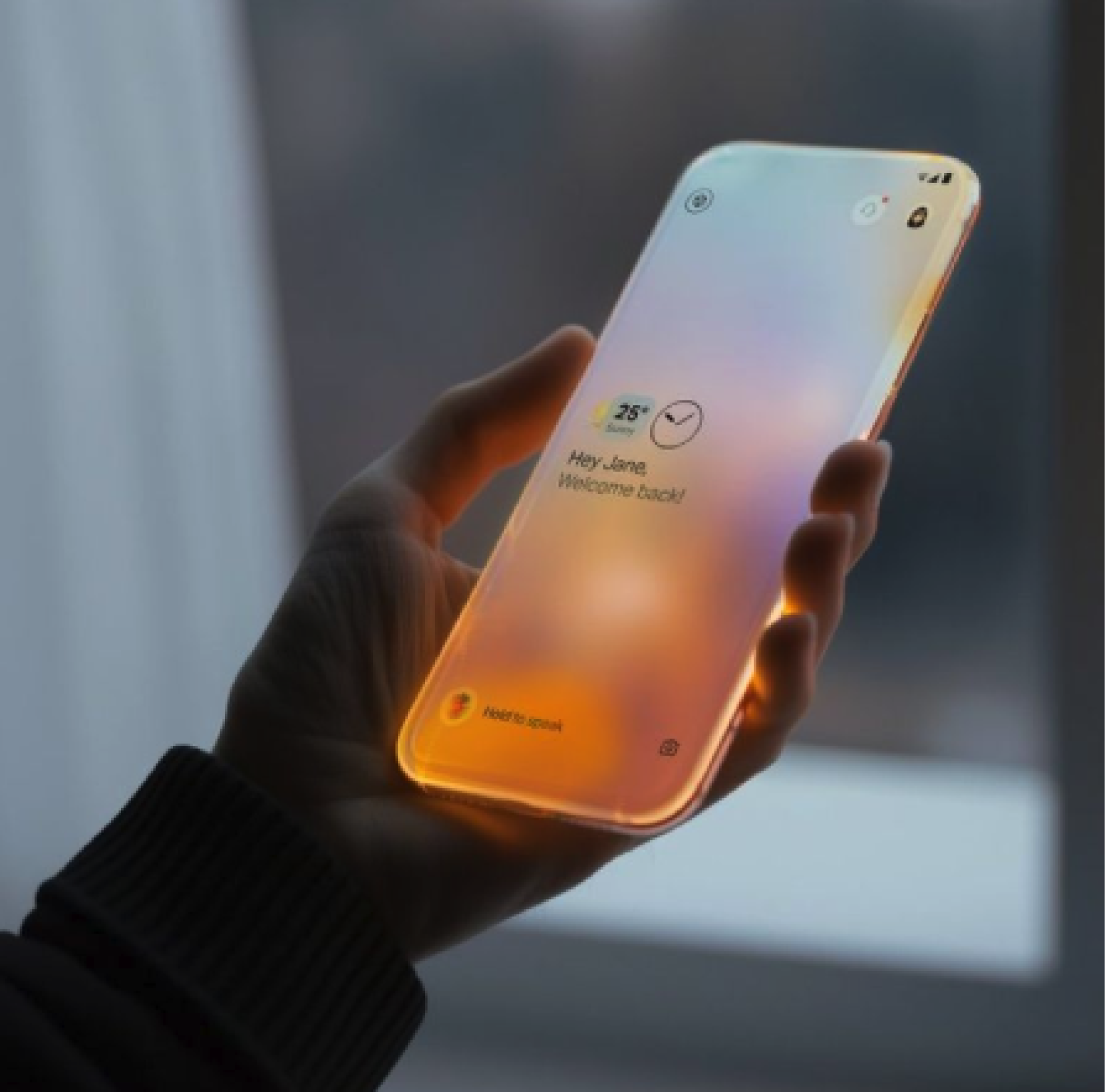
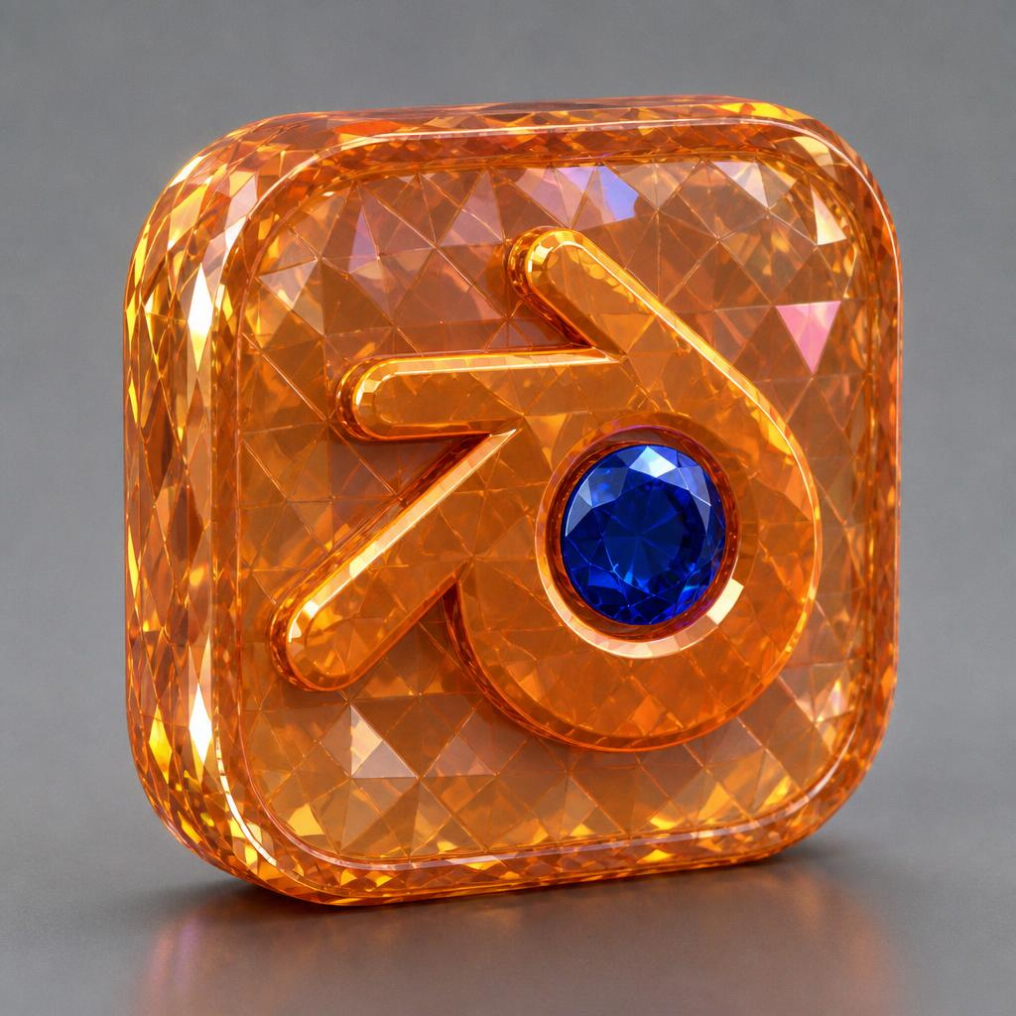

Regenerate the Blender app icon (first image — a rounded-square icon with the Blender logo: the stylized orange arrow/eye shape and blue central gem) on a fully TRANSPARENT background (PNG with alpha, no background, no floor, no shadow behind). Completely REPLACE the crystal/gemstone material of the icon with the exact texture and material of the phone from the second reference image. Apply this material to the whole rounded-square icon body AND to the Blender logo shape: MATERIAL: matte, semi-translucent milky frosted opal glass that softly diffuses light from within (luminescent / self-illuminated). Warm internal glow — a smooth gradient from amber-orange and golden light in the lower portion, transitioning into soft pastel tones toward the top. Subtle opalescent iridescent sheen shifting between pink, lavender, peach and pale blue, like soap-bubble / mother-of-pearl reflections. Smooth non-glossy surface where light gently sinks into the material, no harsh specular highlights, soft luminous diffuse glass look, airy futuristic feel. Keep the original Blender logo composition, proportions and rounded-square app-icon silhouette from the first image. The central blue gem of the logo stays as a subtle accent but rendered in the same glowing frosted-glass material. Clean product-icon rendering, front-facing, centered, high detail, transparent background.
Free to start · Generate videos and images with AI in seconds